With more individuals producing videos, live streaming, and content, there has never been a greater need for clear, high-quality sound. AI audio enhancers and even sophisticated AI video editing tools have become indispensable because of this. Even the most visually gorgeous film may be ruined by poor audio.
These state-of-the-art technologies automatically reduce background noise, adjust audio levels, and improve speech clarity using strong algorithms. Because of this, even non-technical individuals may now easily produce studio-quality sound.
By 2025, a new wave of AI powered tools will make it easier than ever to transform average or flawed recordings into audio that sounds professionally produced. These six tools may significantly enhance sound quality with a few clicks, whether you’re working as an audio engineer, producing YouTube videos from home, or editing podcasts.
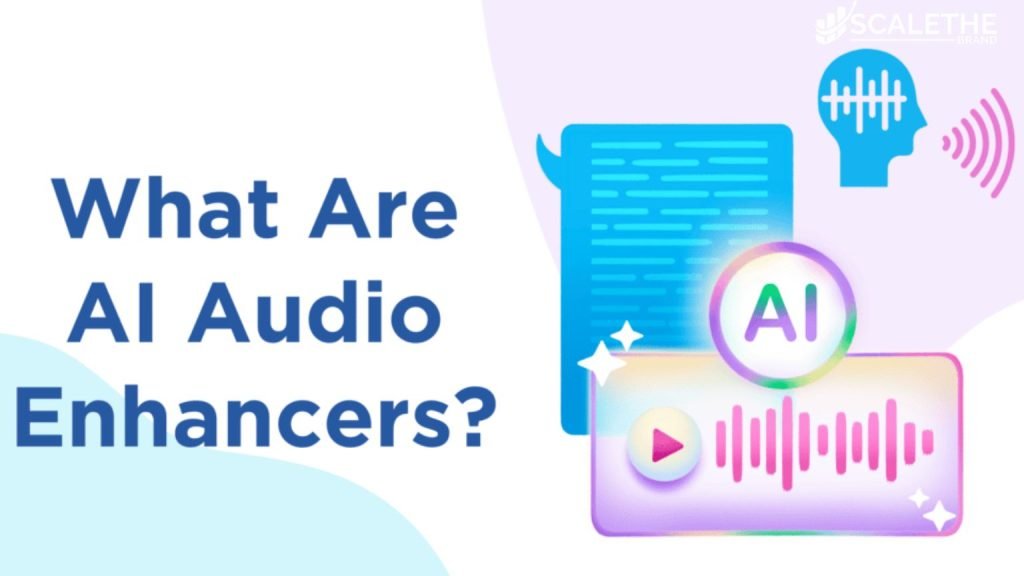
What is an AI Audio Enhancer?
A smart piece of software called an AI audio booster uses AI and machine learning to make sound files sound better automatically. These tools are made to fix common audio issues like echo, background noise, level issues, and speech that is hard to understand. With a few clicks, they can make your voice clearer, get rid of sounds you don’t want, and polish your audio to an expert level.
AI audio enhancers make it easy to make high-quality audio without having to be a professional editor. This is true whether you’re a podcaster, YouTuber, artist, or online teacher. They work quickly and well, and are perfect for anyone who wants to improve their sound in today’s content-driven world. With clean, clear, and professional sound every time, they’ll help you stand out.
How Do AI Audio Enhancer Tools Work?
AI audio enhancers examine your MP3, WAV, FLAC, or AIFF audio files using deep neural networks. They distinguish between unpleasant noises like wind, traffic, or static and clear voice transmissions.
With a few keystrokes, the user may immediately change the loudness, eliminate quiet, lessen reverb, and change the frequency. These programs can transmit your enhanced audio in MP3, M4A, OGG, or even MOV and MP4 for movies. They can operate in real-time or after the fact.
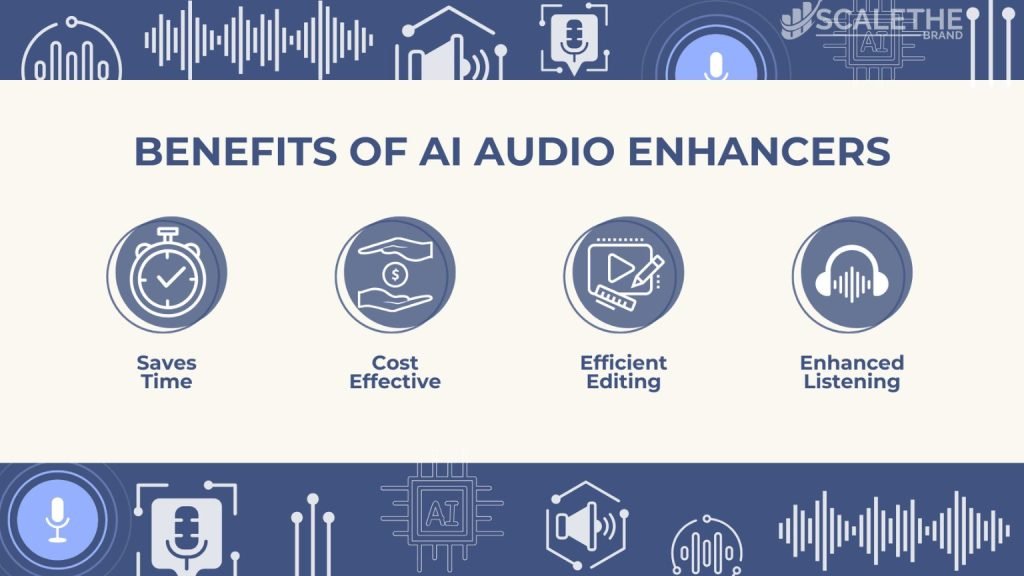
Benefits of Using AI for Audio Enhancement
➥Noise Reduction & Background Noise Removal: Keep things like fans, typing, and street noise from getting in the way.
➥ Speech Enhancement: Make words easier to hear and understand.
➥ Audio Restoration & Mastering: Fix broken files and improve the sound.
➥ Echo & Reverb Removal: Get rid of any audio artifacts or room echoes.
➥ Ease of Use: Most tools don’t need skilled technical knowledge to use.
➥ Real-time Enhancement: Make the sound better during live calls or records.
➥ Format Compatibility: Work with MP3, WAV, M4A, FLAC, OGG, ALTF, etc.
Best Use Cases: Where AI Audio Enhancer Tools Shine
➥ Podcasters & YouTubers: Get studio-quality sound from your recordings.
➥ Musicians: Master sounds and cut down on audio distortion.
➥ Video Editors & Content Creators: Balance voice, music, and effects.
➥ Online Tutors & Remote Workers: Make it easier for people to talk on Zoom or Skype.
➥ Voiceover Artists: Natural, clean voices with no echo.
At a Glance: Comparison of the Best AI Audio Enhancers
|
Tool
|
Best For
|
Free Plan
|
Formats Supported
|
Real-Time?
|
|---|---|---|---|---|
|
Audo.ai
|
Quick noise removal
|
Yes
|
MP3, WAV
|
Yes
|
|
Veed.io
|
Audio + video edits
|
Yes
|
MP3, MP4, MOV
|
No
|
|
Adobe Audition
|
Pro-grade mixing
|
Trial only
|
WAV, AIFF, MP3
|
No
|
|
Krisp
|
Online meetings
|
Yes
|
Real-time only
|
Yes
|
|
AI Mastering
|
Music mastering
|
Yes
|
WAV, MP3
|
No
|
|
Auphonic
|
Podcasts
|
Yes (2hrs)
|
MP3, WAV, M4A
|
No
|
Top 6 AI Audio Enhancer Tools (Reviewed)
Audo.ai – Simplified AI Audio Repair
Features
➥ Remove background noise with just one click
➥ Getting rid of the echo and changing the volume
➥ Getting rid of the echo and changing the volume
➥ Remove background noise with just one click
➥ Getting rid of the echo and changing the volume
➥ Getting rid of the echo and changing the volume
Pricing
➥ Free (20 mins/month)
➥ Creator Plan: $12/month
➥ Pay-as-you-go: $20 for 600
Compatibility
➥ MP3, WAV; Browser-based
Veed.io – AI Video & Audio Editor with Smart Cleanup
Features
➥ Built-in speech generator, audio looper, and audio joiner
➥ Getting rid of background noise
➥ Equalization, cutting down on echo, and more
Pricing
➥ Free plan with watermark
➥ Pro Plan: $30/month
Compatibility
➥ MP3, MP4, MOV, OGG; Web app
Adobe Audition – Professional Voice Enhancer & Mixer
Features
➥ Multi-track audio editing
➥ Audio restoration & mastering
➥ Background noise reduction
Pricing
➥ Free trial (30 days)
➥ Monthly: $20.99–$31.49
Compatibility
➥ WAV, AIFF, MP3; Windows & macOS
Krisp – Real-Time Background Noise Remover
Features
➥ Get rid of background noise in real time
➥ Elimination of echo
➥ Works with Meet, Zoom, and Sky
Pricing
➥ Free (240 mins/week)
➥ Personal: $3.33/month
➥ Pro: $6.67/month
Compatibility
➥ Real-time; MP3 not required as it works live
AI Mastering – AI-Powered Music Quality Enhancer
Features
➥ Drag-and-drop mastering
➥ Custom loudness & dynamic range
➥ Volume leveling and EQ
Pricing
➥ Free for 1 song/month
➥ Premium: $19.99/month
➥ Pro: $49.99/month
Compatibility
➥ MP3, WAV; Web-based
Auphonic – Automated Podcast & Audio Enhancer
Features
➥ Multitrack processing
➥ Silence cutting, noise reduction
➥ Loudness normalization, Speech-to-Text
Pricing
➥ Free (2 hrs/month)
➥ Starting at $11/month for 9 hours
Compatibility
➥ MP3, M4A, WAV, AIFF; Web & API
Key Considerations Before Choosing the Right AI Audio Enhancer
➥ Output Format: Would you like MP3, FLAC, or video files like MP4?
➥ Live vs Post-editing: Real-time tools are ones like Krisp. Some like Auphonic’s work after the recording is done.
➥ Budget: If you only use a few tools, free ones like Cleanvoice or ElevenLabs are great. Adobe is best for experts.
➥ Features Needed: Transcription? High-resolution? Leveling the volume? Make the right choice.
➥Device Support: Editors that run on a computer, like Adobe Audition, vs. mobile ones, like Dolby On.
Editor’s Recommendation: Best Pick for 2025
Adobe Podcast and Adobe Audition are the best when it comes to studio-level improvements. Krisp and Audo.ai make it easy to get rid of noise in real time, which is great for people who make content for fun or work from home.
Final Thoughts
Naturally. If you’re a podcaster, voice actor, content creator, or remote worker, AI audio booster tools can make your audio sound clear, polished, and professional with no effort on your side. Dolby On allows you to record high-quality sound directly from your phone, while applications like Altered Studio allow you to alter or replicate voices for artistic endeavors. 4DDiG Audio Repair can precisely repair faulty or broken files.
In 2025, having good sound is a need, not an option. AI can handle complex tasks like eliminating noise, enhancing speech quality, and resolving audio issues so you can concentrate on creating engaging video. You don’t need to visit a studio to ensure that your music always sounds fantastic thanks to these technologies.
Frequently Asked Questions
Here are some answers to common questions
Are these tools suitable for music and podcasts?
Yes! To make music, AI Mastering and Auphonic are great tools. For podcast audio, Cleanvoice and Podcastle are made just for that.
What’s the best free AI audio enhancer right now?
Free programs like Adobe Podcast and ElevenLabs Voice Isolator can get rid of noise very well. Krisp also has very high limits.
Do I need audio editing experience to use these tools?
Not at all. Tools like Canva AI Audio Enhancer, Veed.io, and Audio Studio are easy for beginners to use.